
Why is walkie talkie not working? Common faults and maintenance methods of walkie talkies
author: etmytalk.com
2023-12-21
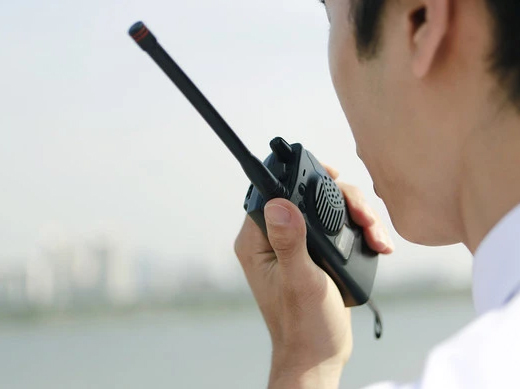
Many people often use walkie talkies, but when they don't work, they don't know how to solve it. Generally speaking, the common problems encountered when using walkie talkies include low or no sound, poor signal transmission, inability to turn on the device, or startup alarm.
So, how should we solve these faults and problems when using walkie talkies?
1、 Walkie talkie reception issue (silent or low sound)
When there is no sound or low sound during the use of the walkie talkie, the first thing to check is whether the battery voltage is sufficient. If the battery is normal, please check whether the receiver and other walkie talkies have the same transmission frequency and sub tone settings. Under normal circumstances, please check in the following order:
- Check the quality of the horn and replace it if there are any issues.
- Check the external socket of the speaker and replace it if there is any problem.
- Check the encoder and potentiometer. If there are any issues, please replace them.
- Check the contact between the soft circuit plug and the motherboard socket. If there are any problems, please reinstall or replace the plug and socket.
- Check the contact between the antenna and the antenna base. The walkie talkie antenna is an important part of transmitting and receiving signals. If the antenna has poor contact or is damaged, the walkie talkie will not function properly. In this case, you need to check if the antenna is in good contact or replace the damaged antenna.
2、 Walkie talkie transmission issue
The problems with the transmission part of walkie talkies are generally caused by the following reasons:
- The battery is dead or the battery voltage is insufficient. The battery is the foundation for the normal operation of the walkie talkie. If the battery is not charged or damaged, the walkie talkie will not function properly. Solution: Replace the charged battery or charge the battery.
- Launch key (PTT key) malfunction. Solution: Replace the launch button.
- Poor contact of the external microphone socket shrapnel caused internal blockage. Solution: Adjust the shrapnel or replace the microphone socket.
- Poor contact between the soft circuit plug and the motherboard socket. Solution: Please reinstall or replace the plug and socket.
- The microphone is faulty. Solution: Replace the microphone.
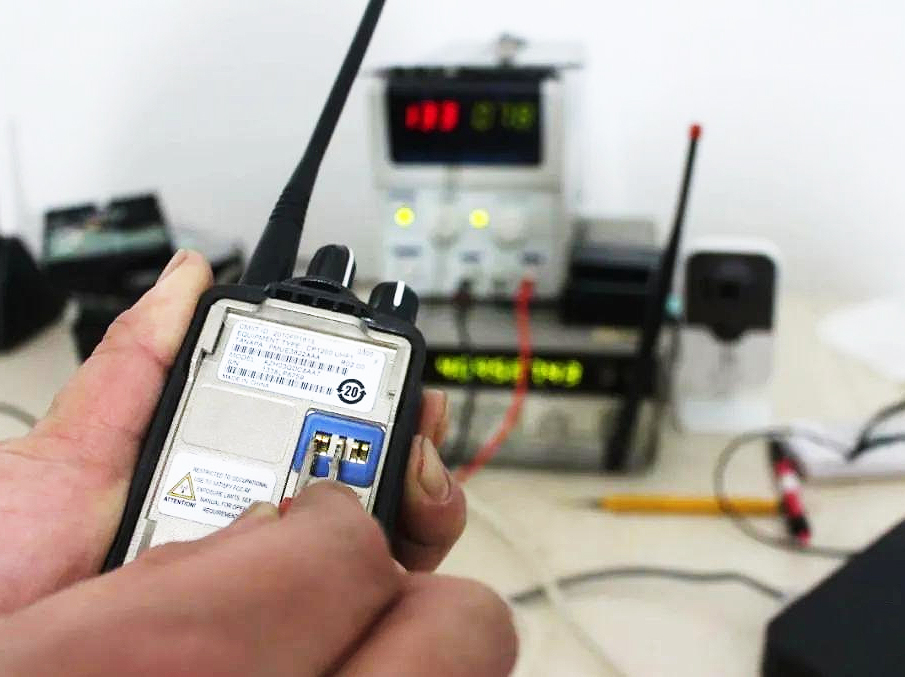
3、 The walkie talkie does not turn on (freezes)
Install the battery, turn on the power, and the walkie talkie will not turn on. After confirming that the battery is charged and the battery contacts are in normal contact. Firstly, it is necessary to check whether the fuse tube has burned out due to momentary excessive current. If the fuse is functioning properly, the failure to turn on is usually caused by poor contact between the soft circuit plug and the motherboard socket. Simply replace the soft circuit plug or motherboard socket.
4、 There is a beep alarm sound when the walkie talkie is turned on
The walkie talkie has advanced fault self-test function. When there is a beep alarm sound during startup, it is often due to the following faults discovered during the walkie talkie's startup self-test:
- Frequency error, writing frequency outside the frequency range of the walkie talkie itself. Solution: Rewrite the frequency.
- Poor soft circuit contact. Solution: Replace the soft circuit plug or motherboard socket.
- VCO loses lock or related components are damaged. Solution: Replace the 12.8M crystal oscillator or related components such as TC1 and TC2.
5、 Channel setting error
Incorrect channel settings may also cause the walkie talkie to not respond. In this case, you need to check if the channel settings are correct. Ensure that you and your walkie talkie users have set up the same channel for communication with each other.
4、 Other reasons
If none of the above issues exist and the walkie talkie still does not respond, this may be related to other issues with the walkie talkie. For example, equipment damage, circuit failure, or the inability of the walkie talkie to function properly due to past water ingress. At this point, you need to find professional maintenance personnel for maintenance and repair.
In short, the failure of the walkie talkie to respond may be due to battery, antenna, channel settings, or other reasons. As long as you follow the above steps to investigate one by one, you can find the reason why the walkie talkie is not responding and solve the problem. If you find that the walkie talkie is damaged, you need to seek professional assistance to repair it.
Generally speaking, if a high-quality walkie talkie is not frequently bumped or used for a long time, the probability of hardware problems is not very high. When encountering problems during use, everyone should first consider whether the battery is dead, the writing frequency is incorrect, or the usage method is incorrect, and then send it for inspection. When repairing, it should also be sent to a regular repair point to ensure the quality of the repair.
Do walkie talkies work in cars? How to choose and use a suitable mobile radio?
What is the best walkie talkie for 2023? Recommended walkie talkie brands worth collecting in 2023
Related Article

A practical guide to testing two-way radio coverage in the environment where people will actually depend on it.
Why a Radio Coverage Test Can Pass— and the System Still Fails in Real Operation

Most radio operators never take grounding seriously—until their gear is fried. This piece exposes three fatal grounding traps, from shallow rods to mixed signal-and-power grounds, then hands you a six-step, code-compliant checklist drawn from NEC Article 810 and IEEE Std 142. Copy this homework instead.
A grounding error can instantly fry your radio—Installation guide for radio system lightning protection

Professional walkie talkie earpiece guide covering how to put on, wear, and use earpieces correctly. Features brand-specific tips for Motorola, Hytera, Baofeng, and more with structural comparisons for optimal comfort and performance.
How to use walkie talkie earpiece?- The Complete Guide to Walkie Talkie Earpiece Setup
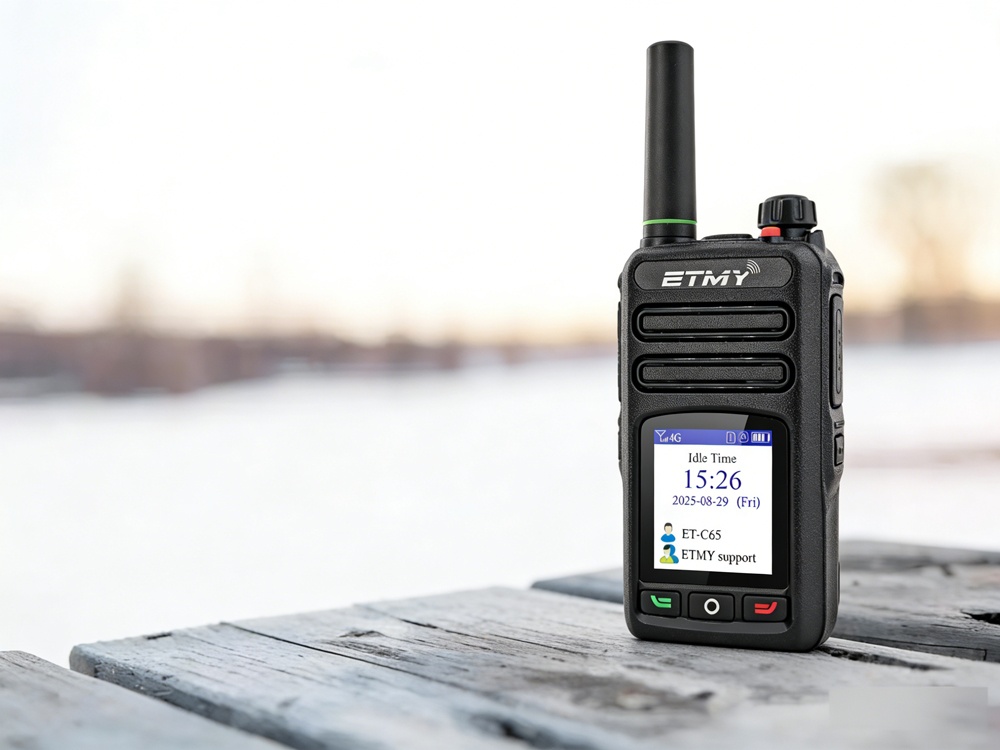
A recent industry report highlights PoC radio adoption for faster, long-distance team communication. Designed for cellular network connectivity, these radios improve coordination in public safety, logistics, and field operations, while offering beginner-friendly setup guidance to ensure reliable activation and compliance.
How exactly do you use a newly acquired PoC radio?