
How to manually set the frequency of XiR C2660 digital walkie-talkie?
2023-06-16
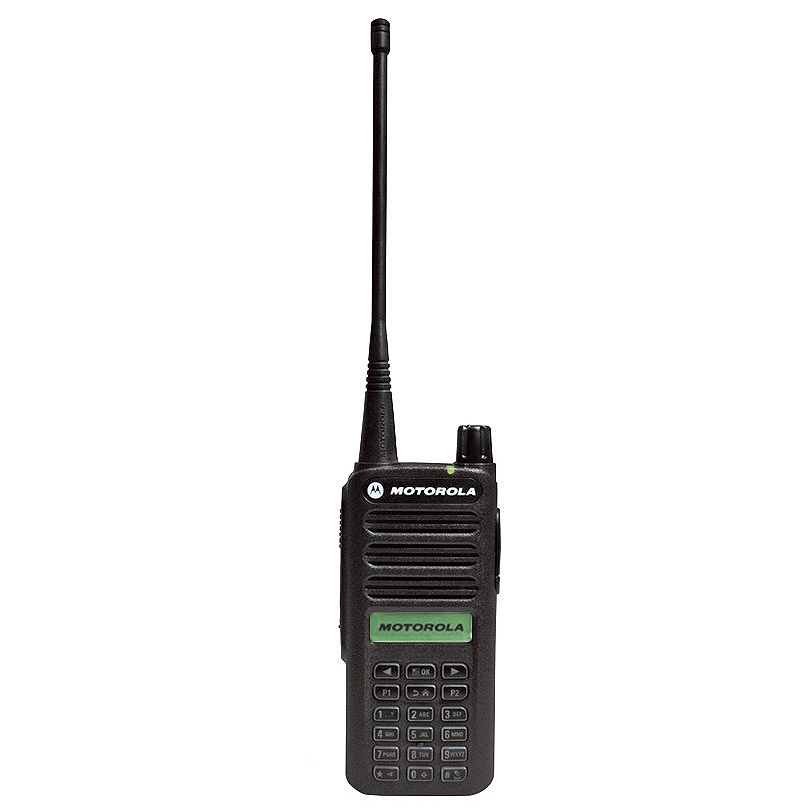
How to manually set the frequency of XiR C2660 digital walkie-talkie?
As we all know, with the continuous change of the walkie-talkie industry, the current walkie-talkie is no longer a single intercom call function. Richer and more powerful. With more and more powerful functions, most of the data can only be programmed through the frequency writing software in the computer. In response to this problem, Motorola launched a walkie-talkie that supports manual frequency change in due course.
At present, the walkie-talkie in the Motorola series that support manual frequency setting include Xir P8660 and Xir P8668 for high-end models; XiR 2660 digital intercom for low-end models. The above-mentioned walkie-talkies can realize personal manual setting of machine frequency data, and the user experience will be more convenient.
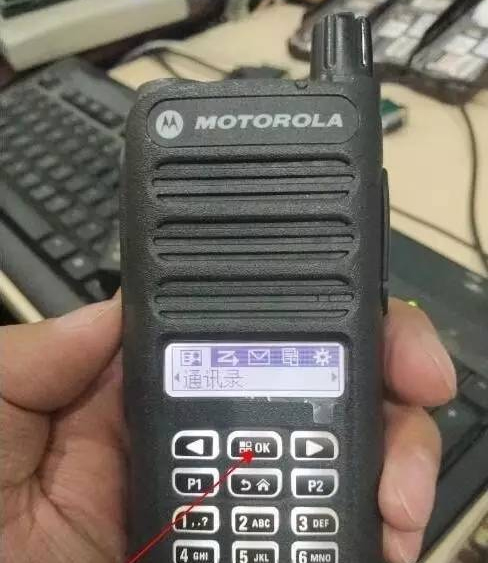
1. Power on, press the menu key (OK key) to enter the menu options.
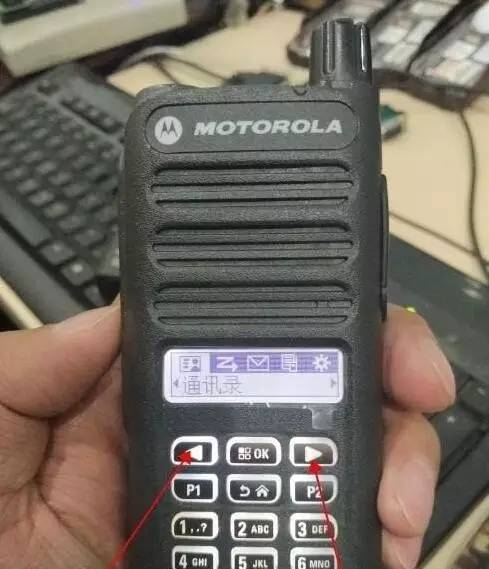
2. After entering the menu options, find the setting option, press the OK key to enter the setting, press the right arrow button to find the radio configuration option, enter the radio configuration, the radio prompts to enter the pre-programming password, enter the password: 12345678 (factory default, you can pass programming password before software change). After entering the walkie-talkie configuration, press the right arrow button to find the edit channel, and then you can edit the channel parameters simply.
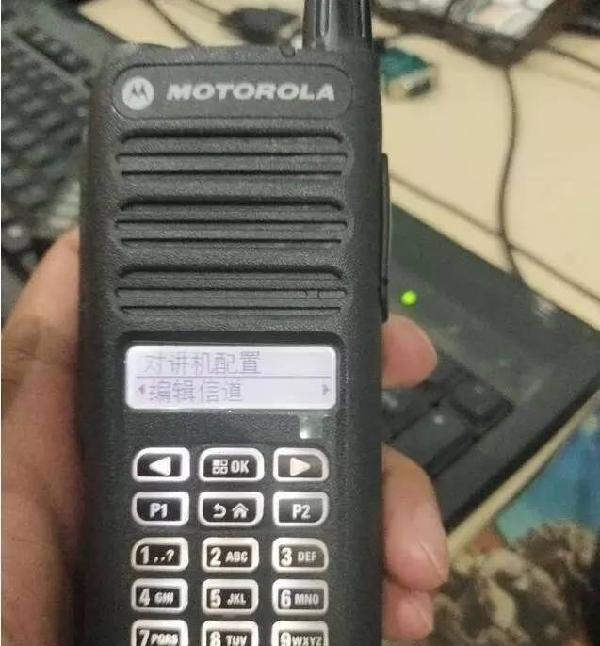
3. After the setting is completed, turn off the machine and turn it on again.
If you want to add a channel, enter the channel parameter editing menu, press the right arrow button, find the copy option in turn, press the OK button, click to confirm the copy, and a channel will be successfully added. If you want to add a digital channel, select the digital channel to copy; similarly, if you copy an analog channel, the analog channel will be added.
Exploring the Benefits of the Kenwood TH-D74 Amateur walkie-talkie
How to add contacts in batches on Motorola walkie-talkies?
Related Article

A practical guide to testing two-way radio coverage in the environment where people will actually depend on it.
Why a Radio Coverage Test Can Pass— and the System Still Fails in Real Operation

Most radio operators never take grounding seriously—until their gear is fried. This piece exposes three fatal grounding traps, from shallow rods to mixed signal-and-power grounds, then hands you a six-step, code-compliant checklist drawn from NEC Article 810 and IEEE Std 142. Copy this homework instead.
A grounding error can instantly fry your radio—Installation guide for radio system lightning protection

Professional walkie talkie earpiece guide covering how to put on, wear, and use earpieces correctly. Features brand-specific tips for Motorola, Hytera, Baofeng, and more with structural comparisons for optimal comfort and performance.
How to use walkie talkie earpiece?- The Complete Guide to Walkie Talkie Earpiece Setup
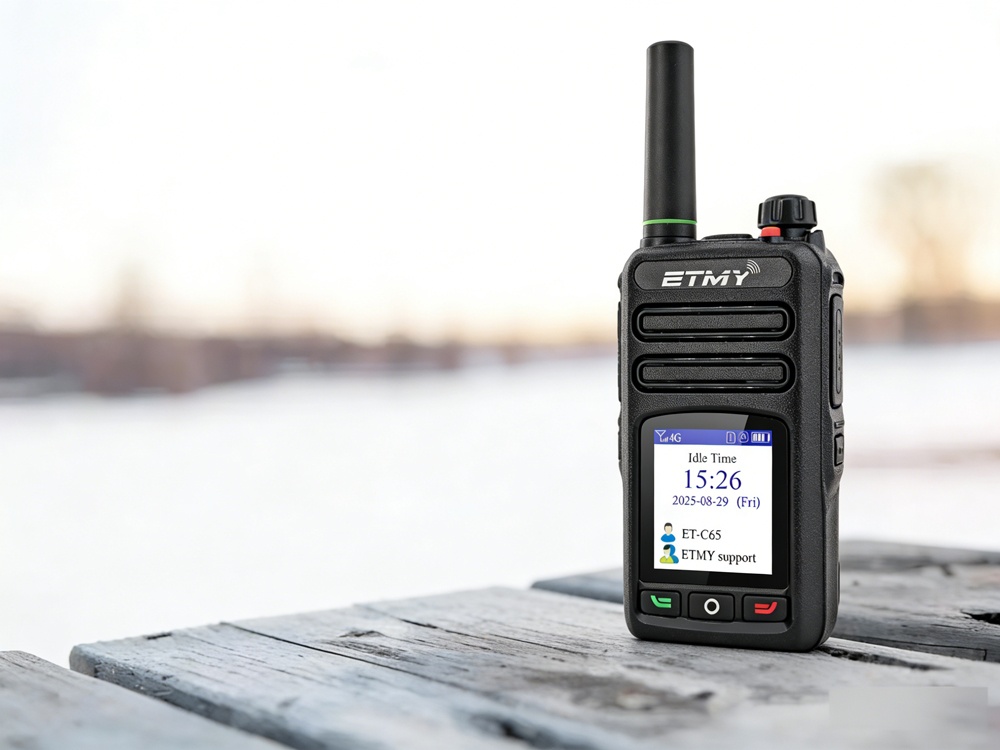
A recent industry report highlights PoC radio adoption for faster, long-distance team communication. Designed for cellular network connectivity, these radios improve coordination in public safety, logistics, and field operations, while offering beginner-friendly setup guidance to ensure reliable activation and compliance.
How exactly do you use a newly acquired PoC radio?