
How to Talk on a Walkie Talkie? A Beginner's Guide
author: z
2025-09-01
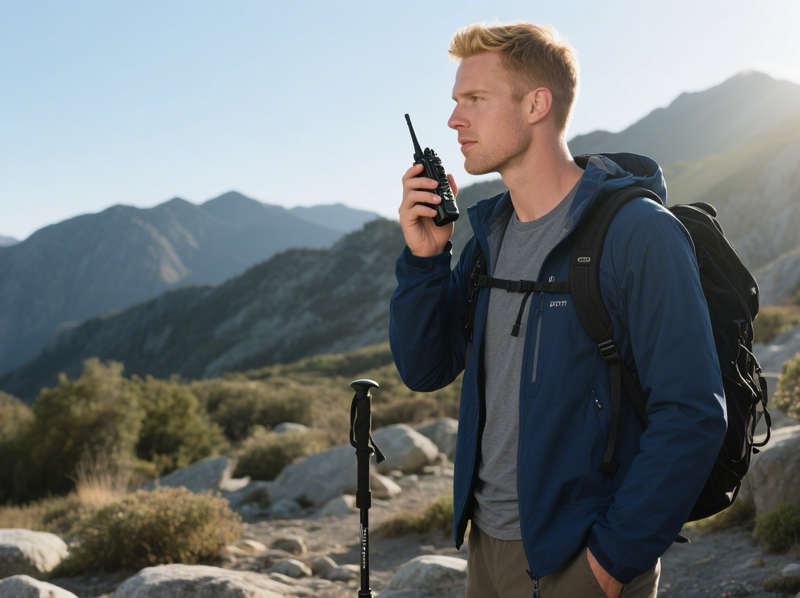
When you first get a walkie-talkie, you might be struck by its simplicity: no screen password, no app, and no signal bars. However, it's this push-to-talk design that makes it a reliable communication tool for hiking, cross-country road trips, large events, and even during power outages. This article will walk you through the steps to complete a proper walkie-talkie call.
Step 1: Battery Installation
Most walkie-talkies use three AA alkaline batteries or one 7.4 V lithium-ion battery. Open the battery compartment cover (usually located on the lower back) and insert the batteries according to the polarity markings. If using a lithium battery, you should hear a click as the battery locks into place. Close the battery compartment cover, ensuring the waterproof seal is securely in place to prevent water from entering.
Step 2: Power On and Adjust Volume
Turn the large knob on the top fully clockwise to turn on the device. The screen will light up and a beep will sound. Continue turning the knob to adjust the volume. It's recommended to set the volume to 50% indoors and gradually increase it in noisy outdoor environments to avoid sudden peak volume damage.

How to get walkie-talkies to connect?
Walkie talkie use "channels" to distinguish different communication groups. Each channel corresponds to a transmit frequency and a receive frequency. Common civilian channels are UHF 400–470 MHz or VHF 136–174 MHz.
License-Free Walkie talkie (Simplest)
On a license-free intercom, set the channel knob on the top or side to the same number to enable intercom communication, such as CH-7. License-free preset frequencies are publicly available and can easily cause frequency crosstalk in crowded areas.

Professional Walkie talkie
Required Tools: USB programming cable + programming software (such as CHIRP or CPS).
Steps:
1. Install the programming software and identify the intercom model. Enter the following information on the software interface:
- TX Frequency (Transmit): 462.5625 MHz
- RX Frequency (Receive): 462.5625 MHz
2. Click "Write to Radio" to write the signal. After completion, power cycle.
3. Repeat the steps for the remaining radios, or use the "Batch Clone" function.
3. Repeat the steps for the remaining radios, or use the "Batch Clone" function.
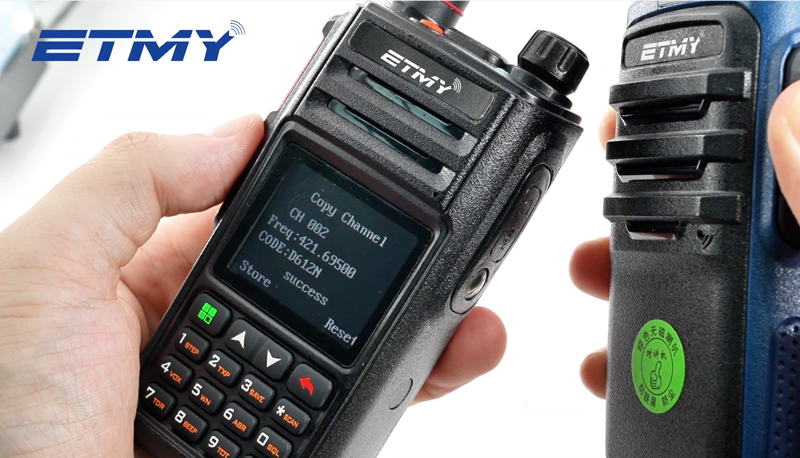
Amateur Walkie-Talkie (Wireless Cloning Function)
Press and hold the MONI button on the amateur walkie-talkie until "CL" is displayed. Repeat the same operation on the cloned radio. After a few seconds, it will beeps twice, and the cloning is complete. The radios must be the same model and have the same firmware version; otherwise, failure may occur.
What should be the first sentence when talking on the walkie-talkie?
-
Press and hold the PTT key and wait for 0.5 seconds to avoid truncation of the first character.
-
Clearly say "This call sign + to + The other party's call sign + do you copy? Over."Example: "Hotel-1 to Golf-2, do you copy? Over."
-
Release the PTT key to enter the receiving state.
-
The other party receives the call and calls back: "Golf-2 to Hotel-1, loud and clear. Over."
-
To end the call, the last party should say: "Hotel-1, Out."
Voice Tips
Slow down your speaking speed by 20% and lengthen your vowels. Avoid inhaling immediately after pressing the PTT key to prevent plosive sounds.
Keep the microphone 2–3 cm from your lips to avoid wind noise.
Common Problems and Troubleshooting
1. No Transmit Response
Check that the PTT key is fully pressed and the TX icon is on the LCD. Verify that the battery level is ≥20%. Low battery will automatically reduce the power.
2. Crosstalk or Interference
Change the channel or enable CTCSS/DCS sub-audio. Within regulatory limits, reduce the power from high (H) to low (L) to reduce coverage.
3. Distance Drop
VHF attenuation is significant in reinforced concrete, so move to a window or outdoors. In mountainous areas or at sea, seek a high vantage point and utilize line-of-sight transmission.
4. Regulations of Various Countries
Frequency bands such as the US FRS/GMRS, European PMR446, and Australian UHF CB have statutory limits on power and channel width. Check local regulations before using them. When traveling abroad, avoid using local repeater frequencies without authorization to avoid violating the law.
Are Walkie-Talkies Legal in India? — A Comprehensive Guide to Compliance
What is a multi-band radio? What are the best multi-band radios?
Related Article

A practical guide to testing two-way radio coverage in the environment where people will actually depend on it.
Why a Radio Coverage Test Can Pass— and the System Still Fails in Real Operation

Most radio operators never take grounding seriously—until their gear is fried. This piece exposes three fatal grounding traps, from shallow rods to mixed signal-and-power grounds, then hands you a six-step, code-compliant checklist drawn from NEC Article 810 and IEEE Std 142. Copy this homework instead.
A grounding error can instantly fry your radio—Installation guide for radio system lightning protection

Professional walkie talkie earpiece guide covering how to put on, wear, and use earpieces correctly. Features brand-specific tips for Motorola, Hytera, Baofeng, and more with structural comparisons for optimal comfort and performance.
How to use walkie talkie earpiece?- The Complete Guide to Walkie Talkie Earpiece Setup
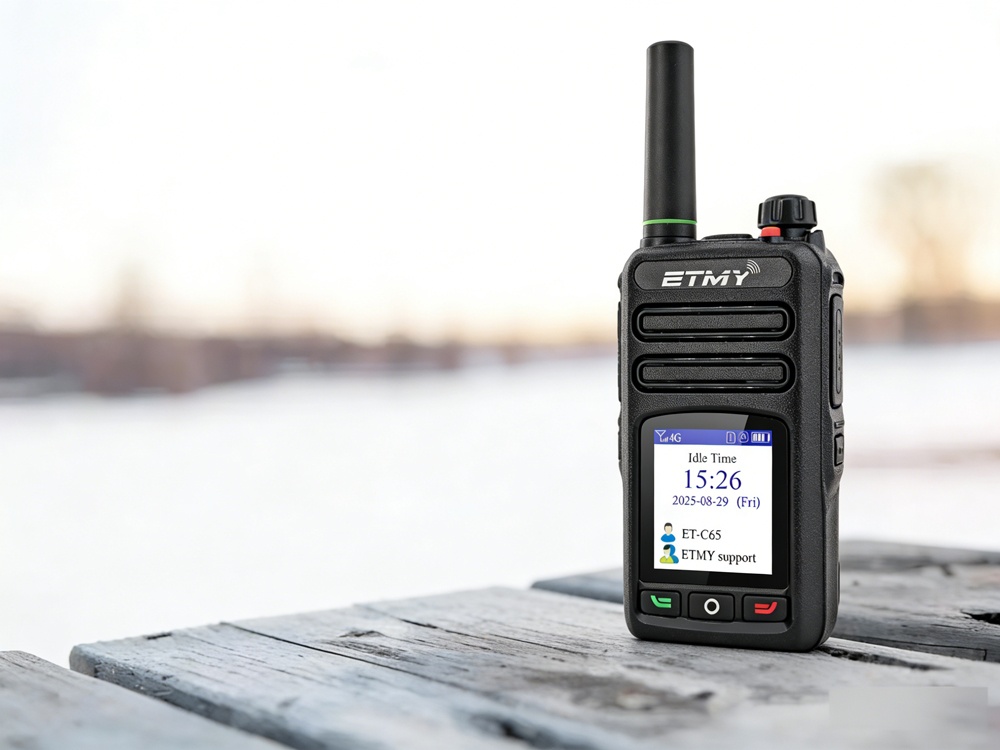
A recent industry report highlights PoC radio adoption for faster, long-distance team communication. Designed for cellular network connectivity, these radios improve coordination in public safety, logistics, and field operations, while offering beginner-friendly setup guidance to ensure reliable activation and compliance.
How exactly do you use a newly acquired PoC radio?