
What is ctcss on a walkie talkie? how to turn on?
author: z
2026-01-31
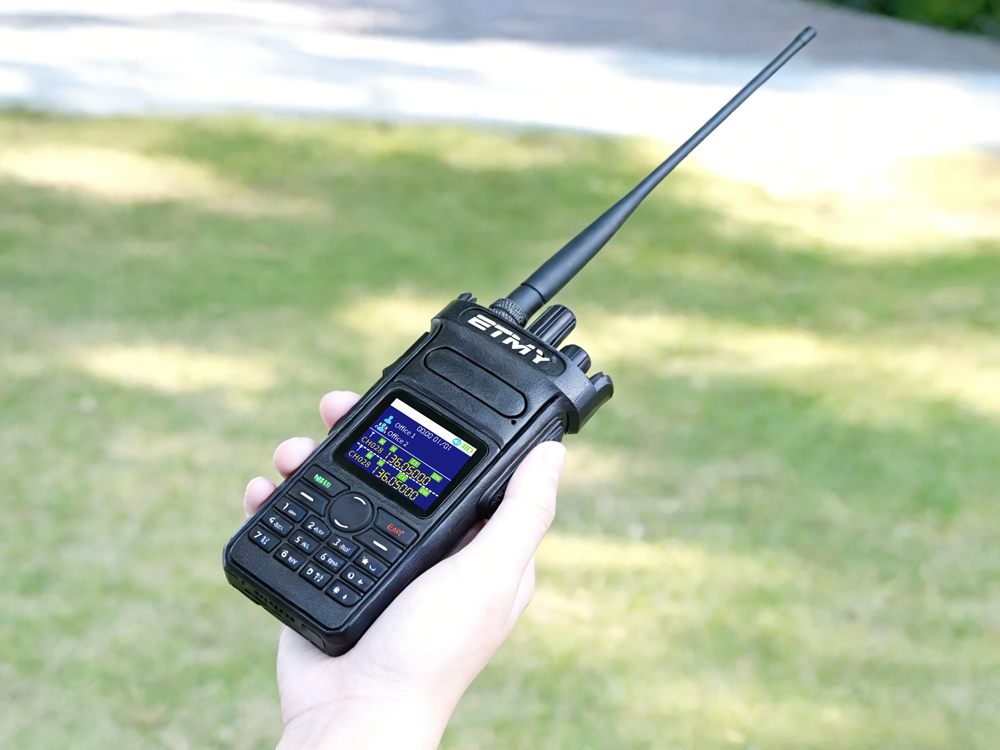
CTCSS, many beginners mistakenly believe that walkie-talkies hide some kind of shady technology. Today, let's talk about what sub-audio frequencies in walkie-talkies are all about. Sub-audio frequencies, abbreviated as CTCSS (Continuous Voice Controlled Squelch System), are a technology that adds frequencies below the standard audio frequency to the audio signal for transmission. There are 39 (or 50) sub-audio frequencies, ranging from 67.0Hz to 250.3Hz. Because their frequencies are below the standard audio frequency, i.e., less than 300Hz, they are called sub-audio frequencies.
It doesn't encrypt or change the transmission frequency; it simply provides the receiver with a "secret code"—the door opens only if the code is correct, otherwise it remains silent. Even if many people are on the same frequency, as long as their codes are different, they can "only hear their partner's voice."
Practical Applications
1. Frequency Multiplexing:
In cities, three networks—an outdoor team, a property management company, and a construction site—often run simultaneously on the 438.500 MHz band. Team A writes 118.8 Hz, Team B writes 136.5 Hz, and Team C writes 146.2 Hz. All three teams speak simultaneously, their carriers still overlapping, but each machine only recognizes its own code, and only their own voices are heard through the loudspeaker. If a tourist listens with a non-subsonar handheld radio, they will hear a chaotic "marketplace" of three teams speaking together. If they set the SQL type to "carrier," the strongest signal will dominate, and the weakest will have no sound at all.
2. The Repeater's "Bass Key"
To extend battery life, radio operators add CTCSS as a "password" to repeaters. Thus, the 439.000−5 MHz frequency difference becomes a "locked-down public warehouse": you know the frequency, but you also need to know the bass key. For example, a community repeater with RX 434.000 MHz and TX 439.000 MHz requires 88.5 Hz. If the key is correct, the repeater will immediately go online; if the key is incorrect, your signal will be directly dropped into the bit bucket, leaving no background noise. This prevents accidental triggering by weak signals from afar and also blocks amateur walkie-talkies without a set tone from "piggybacking" on your network.
Standard CTCSS frequency list (38 frequencies according to TIA-603-E, in Hz)
| No. | Frequency (Hz) | No. | Frequency (Hz) | No. | Frequency (Hz) | No. | Frequency (Hz) |
|---|---|---|---|---|---|---|---|
| 1 | 67.0 | 11 | 94.8 | 21 | 131.8 | 31 | 186.2 |
| 2 | 69.3 | 12 | 97.4 | 22 | 136.5 | 32 | 192.8 |
| 3 | 71.9 | 13 | 100.0 | 23 | 141.3 | 33 | 203.5 |
| 4 | 74.4 | 14 | 103.5 | 24 | 146.2 | 34 | 210.7 |
| 5 | 77.0 | 15 | 107.2 | 25 | 151.4 | 35 | 218.1 |
| 6 | 79.7 | 16 | 110.9 | 26 | 156.7 | 36 | 225.7 |
| 7 | 82.5 | 17 | 114.8 | 27 | 162.2 | 37 | 233.6 |
| 8 | 85.4 | 18 | 118.8 | 28 | 167.9 | 38 | 241.8 |
| 9 | 88.5 | 19 | 123.0 | 29 | 173.8 | ||
| 10 | 91.5 | 20 | 127.3 | 30 | 179.9 |
How to turn on CTCSS?


Taking the ETMY ET-538 walkie-talkie as an example, setting the CTCSS requires using programming software.
First, select the transmit and receive codes from the standard sub-tone code list (such as 67.0Hz, 100.0Hz, 173.8Hz, and over 40 other internationally recognized frequencies), and simultaneously enable the encoding/decoding function; after all parameters are configured, execute the "write" command to complete the configuration.
First, select the transmit and receive codes from the standard sub-tone code list (such as 67.0Hz, 100.0Hz, 173.8Hz, and over 40 other internationally recognized frequencies), and simultaneously enable the encoding/decoding function; after all parameters are configured, execute the "write" command to complete the configuration.


Like ETMY ET-8R amateur radio allows you to set the CTCSS code directly on the radio After entering the sub-audio settings, you can use the up and down keys to select your desired squelch code, such as 71.9. Press the switch button to toggle between CTCSS and DCS. When the small speaker icon appears on the radio screen, it indicates that CTCSS is enabled.
Important Notes About CTCSS
Background Noise: Sub-audio Cannot Solve the Problem
CTCSS only controls "on" or "off" and does not improve sound quality. If strong interference is coming from upstairs on the same frequency, the sub-audio signal will still be amplified after decoding. In this case, you either need to change the channel, switch to digital mode, or use a directional antenna to suppress the interference source below the decoding threshold. Treating CTCSS as a "filter" is a conceptual error; it's just a key, not a filter.
Don't choose too high a code.
When selecting analog sub-audio signals (CTCSS), it's recommended to choose within the 67-150Hz range. Sub-audio signals, being low-frequency audio, won't be completely filtered out in the filtering circuit; the higher the code, the louder the low-frequency background noise. When programming, after selecting to add CTCSS signaling, check if there's a "squelch mode" option in the selectable functions. You must add CTCSS squelch mode for sub-audio reception to work.
How exactly do you use a newly acquired PoC radio?
What are the differences between a walkie-talkie with SIM card and a traditional two-way radio?
Related Article

A practical guide to testing two-way radio coverage in the environment where people will actually depend on it.
Why a Radio Coverage Test Can Pass— and the System Still Fails in Real Operation

Most radio operators never take grounding seriously—until their gear is fried. This piece exposes three fatal grounding traps, from shallow rods to mixed signal-and-power grounds, then hands you a six-step, code-compliant checklist drawn from NEC Article 810 and IEEE Std 142. Copy this homework instead.
A grounding error can instantly fry your radio—Installation guide for radio system lightning protection

Professional walkie talkie earpiece guide covering how to put on, wear, and use earpieces correctly. Features brand-specific tips for Motorola, Hytera, Baofeng, and more with structural comparisons for optimal comfort and performance.
How to use walkie talkie earpiece?- The Complete Guide to Walkie Talkie Earpiece Setup
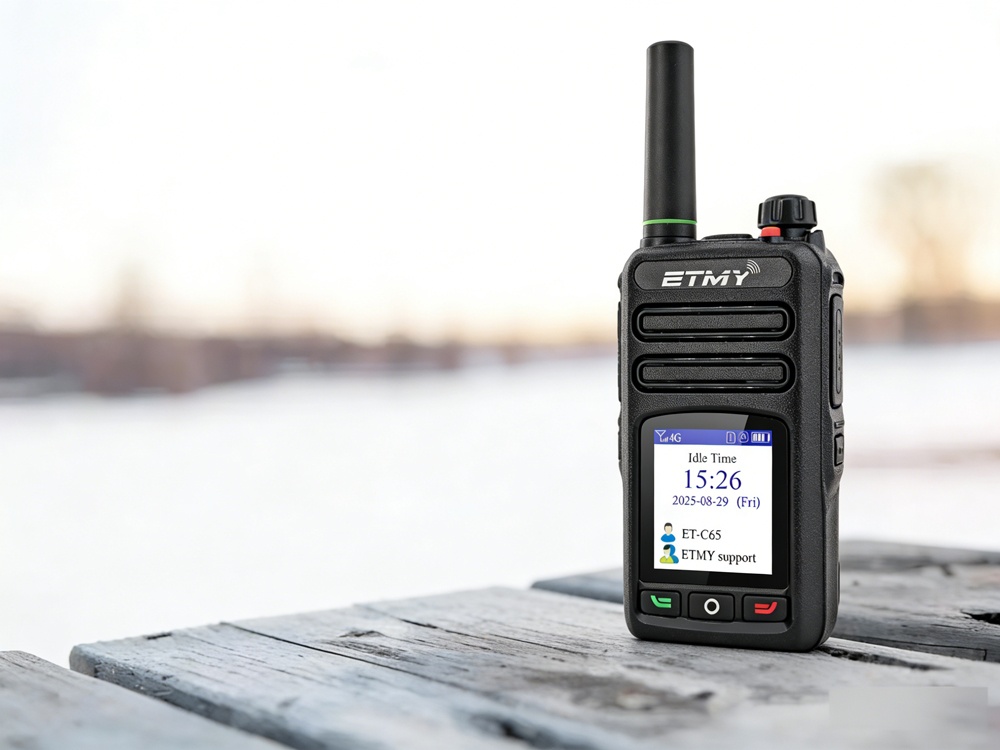
A recent industry report highlights PoC radio adoption for faster, long-distance team communication. Designed for cellular network connectivity, these radios improve coordination in public safety, logistics, and field operations, while offering beginner-friendly setup guidance to ensure reliable activation and compliance.
How exactly do you use a newly acquired PoC radio?